What is the real task?
Define the audience, source material, desired output and human decision before choosing a tool.
Corporate AI training · Onsite & live online
Based in Bengaluru · delivering across India
Live-online GenAI learning · Technovids Bengaluru
Build practical GenAI literacy, prompting and review habits across everyday professional work—without turning a beginner course into an engineering bootcamp.
Generative AI Course in Bangalore is a practical live-online learning route for professionals who want to understand and use generative AI responsibly. It covers how common AI assistants work at a useful conceptual level, task selection, clear prompting, document and research workflows, output verification, privacy boundaries and an introduction to RAG and agents. The core pathway does not require coding. Technovids is headquartered in HSR Layout, Bengaluru; confirmed public cohorts run through Zoom and the Technovids LMS rather than in a classroom. It is a GenAI course for Bangalore professionals, taught live online.
Updated
Scope boundary: This page does not promise a fixed public date, classroom delivery, productivity percentage or engineering depth. Dates, fee and inclusions are confirmed for the scheduled cohort; the standard course runs 10 hours.
The course helps learners choose tasks and review output rather than treating every workflow as an automation opportunity.
Define the audience, source material, desired output and human decision before choosing a tool.
Use approved accounts and safe inputs; keep personal, confidential and regulated data out unless explicitly authorised.
Identify original sources, calculations, policy, tone and completeness checks before the prompt is written.
Prompt engineering adds repeatability; AI Engineering adds Python, retrieval, tools, APIs and deployment.
Examples are matched to your people’s roles and to the tools, data and policies your company has approved.
Frame a question, gather material you are allowed to use and write a summary ready for a decision.
Write a first draft from an approved brief, examples and clear limits.
Turn approved notes or transcripts into decisions, actions and follow-up drafts.
Use AI to explain fields, suggest checks, draft formulas or sort observations.
Draft a reply from an approved brief, knowledge source and escalation rule.
Compare possible uses by value, how easy they are, risk, who owns them and evidence.
Generative AI foundations can lead to workplace specialisation or technical application building.
This page
Understand concepts, suitable use, prompting, verification and responsible application.
Best for: Beginners and cross-functional professionals
Design and evaluate reusable prompts for recurring work.
Best for: People already using AI who need consistency and shared patterns
Apply AI more deeply across role-specific business tasks and templates.
Best for: Corporate professionals and functional teams
Build RAG, agents, MCP integrations and deployable services with Python.
Best for: Developers who meet the technical prerequisites
One teaches responsible application; the other teaches software construction.
| Decision point | Generative AI Course | AI Engineering Course |
|---|---|---|
| Coding | Not required for the core pathway | Working Python required |
| Primary outcome | Reviewed AI-assisted workflows | Built and evaluated AI applications |
| Technical depth | Conceptual RAG and agent introduction | RAG, agents, MCP, APIs and deployment |
| Best fit | Professionals using AI in their role | Developers building AI-enabled software |
The course builds practical judgement and repeatable habits rather than claiming mastery of every AI tool.
Turn a work need into a clear brief with source, audience and expected output.
Use context, constraints, examples and format to improve repeatability.
Check facts, sources, calculations, uncertainty, privacy and accountability.
Recognise whether self-practice, prompt engineering, role training or AI engineering is appropriate.
The next confirmed cohort information is shared before enrolment, and the learning path keeps practice and review visible.
Share your background, current tools and goal. Chandan discusses fit first; a subject-matter expert follows up when technical depth is needed.
Receive the current dates, live schedule, fee, prerequisites, inclusions and cancellation or transfer terms before deciding.
Complete the stated setup using your own suitable device and any accounts or paid API access required for the selected course.
Join live Zoom classes, complete exercises or projects, use LMS resources and apply instructor feedback.
Submit the agreed work and receive a Technovids completion certificate with a unique website-verifiable ID when the stated requirements are met.
The final agenda and exercises are supplied with the confirmed dates and fee.
Instructor-led explanations, demonstrations, practice and questions.
Notes, assignments, lab instructions and the cohort discussion group.
Class recordings uploaded within 24 hours and available for three months.
Technovids completion certificate with a unique website-verifiable ID when requirements are met.
Your people practise using AI within your company’s rules, with a named person responsible at every key step.
Accounts, private and personal data and intellectual property follow your current policies and approved systems.
Facts, sums, sources, tone, gaps and the effect on decisions are checked against the original material and the task.
AI can help draft or analyse, but a named person still reviews the work and owns the action or decision.
Teams compare quality, effort, take-up and risk on one defined task, instead of claiming general time savings.
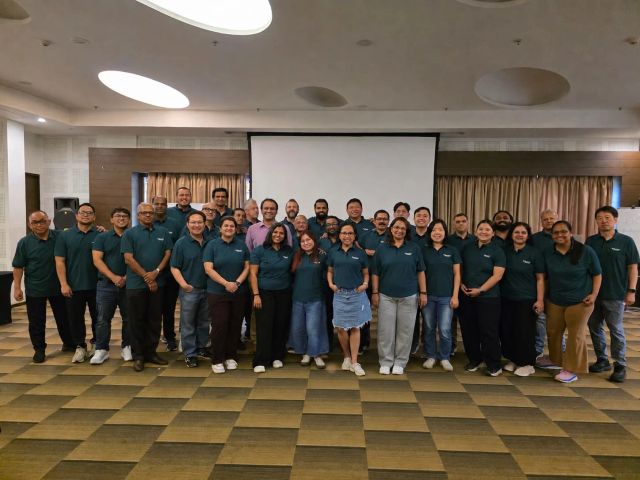
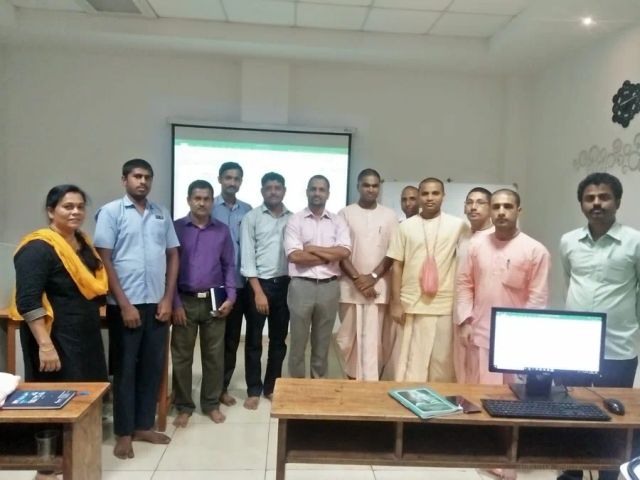
Real photos from Technovids training sessions. They show how we teach, not a promised result for your group.


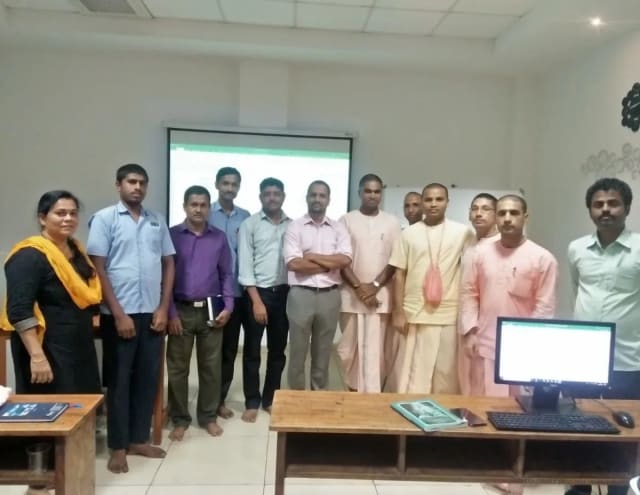
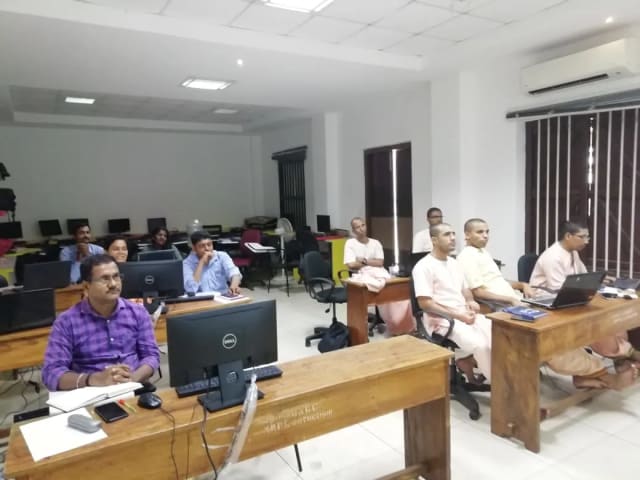


Photos from real Technovids sessions with teams in Bangalore. They show how we teach, not a promised result for your group.
We choose the trainer once we know who is attending, how deep the subject goes and how it will be delivered.
Co-founder & Lead Instructor, Technovids Consulting
Pankaj is a co-founder and the lead instructor at Technovids Consulting. His programme work spans practical AI adoption, AI engineering, evaluation, responsible production AI, data analytics and corporate learning design, with an emphasis on hands-on exercises connected to workplace tasks.
Expertise:
AI & Machine Learning Trainer, Strategist and Consultant
Junaid is an AI and machine-learning trainer, strategist and consultant with more than 22 years of training experience. His work combines enterprise AI education, business-centred adoption, responsible AI practices and applied solution design, helping professional audiences connect AI concepts to real organisational needs.
M.E. in Computer Engineering, specialising in Artificial Intelligence · author of programming books on Python, Java and C++
Expertise:
Technical Trainer & Curriculum Architect
Pradeep is a technical trainer and curriculum architect with more than 20 years of experience across enterprise technology, cloud infrastructure and advanced AI systems. He designs practitioner-focused programmes, labs and assessments covering AI, LLM systems, Python and machine learning, translating complex technical subjects into structured learning experiences.
Bachelor of Engineering in Electrical Engineering · instructor-led, virtual and blended delivery
Expertise:
Your proposal names the trainer. Not every trainer shown here teaches every programme.
To book a trainer for your team, call +91 86183 46384 or email corporate@technovids.com.
Updated
Feedback shared with permission and real photos from Technovids sessions show how we deliver. They do not promise the same result for every person or company.



















Hands-on training for people and teams in AI, data, cloud, productivity and workplace skills.
What people we trained found useful in their day-to-day work.
I knew Generative AI was changing digital marketing, but I didn't know where to start without a tech background. The AI for Business Professionals course at Technovids was exactly what I needed. It completely demystified tools like ChatGPT, Claude, and Midjourney for commercial use. We are now using the prompt frameworks taught in the class to automate content generation and market research, saving us nearly 15 hours a week. Highly recommended for marketing leaders.
Most AI courses are too focused on Python and coding. Technovids has created the perfect GenAI course for non-technical professionals. The modules focus heavily on business use cases, process automation, and identifying AI ROI. Learning how to integrate AI into our daily workflows and understanding the data privacy implications has given me the confidence to champion AI adoption across our operations team.
I enrolled in this program to figure out how to leverage AI for data storytelling and reporting. The practical walkthroughs on using AI tools for data analysis, specifically around Microsoft Copilot and advanced prompting for business intelligence, were eye-opening. The Technovids trainers keep it 100% practical. I walked away with actionable templates that I started using at work the very next day.
I have zero background in IT, so I was hesitant to take an AI course. I shouldn't have been. The trainers at Technovids explain complex AI concepts using everyday business analogies. There is absolutely no coding required. By the end of the program, I was confidently writing complex prompts to generate business proposals and competitive analysis reports. It is the perfect AI course for beginners in management.
The landscape of B2B sales is shifting rapidly with AI, and this course helps you stay ahead of the curve. The training helped me understand how to leverage AI tools for personalized customer outreach, CRM data cleanup, and predictive sales insights. The real-world case studies discussed during the live sessions were incredibly valuable. If you want to use AI to drive business growth and revenue, this is the training to take.
When you run a lean startup, productivity is everything. This Technovids course taught me how to use AI as a 'co-pilot' for my business. From automating sales outreach to summarizing long legal documents, the practical use cases covered in the workshops are gold. It bridges the gap between AI hype and actual business execution perfectly. Easily the best investment I’ve made in my own learning this year.
These answers cover what this page offers. Your written proposal sets out the terms for your own programme.
The standard Generative AI course runs 10 hours, delivered live online. A private team version can be shortened or extended, and the written proposal confirms its final duration.
No for the core professional pathway. The course focuses on GenAI concepts, prompting, workplace application and review. Learners who want to build RAG, agents or integrations need a technical course with Python prerequisites.
The confirmed cohort may demonstrate leading assistants such as ChatGPT, Claude, Gemini or approved workplace tools. The course teaches transferable task, prompt and review principles rather than promising equal depth in every product.
No. HSR Layout is the Technovids head office, not a public classroom. Confirmed public cohorts run live online through Zoom. The Technovids LMS includes notes, assignments, lab instructions, a cohort discussion group and a completion certificate when requirements are met. Class recordings are uploaded within 24 hours and remain available for three months.
It can introduce what RAG and agents are, where they are useful and what risks they add. Building them in code belongs to the AI Engineering or focused technical pathways.
Dates and fees are shared only for a confirmed cohort. Submit an enquiry to receive the current schedule, inclusions and enrolment terms.
Yes. Private delivery can be customised to roles, approved tools and workplace examples and delivered live online or onsite at the client’s workplace when agreed.
Tell us who the training is for, roughly how many people, and what you want them to do better at work. The Technovids team will scope it and reply with a written proposal.
Request received
Thank you — your request has been sent to the Technovids corporate training team. If you would rather speak to someone directly, the phone and WhatsApp details are at the top and bottom of this page.
2nd Floor, Chandrodaya Complex, 19/19, 24th Main Rd, near Hanuman Temple, Agara Village, 1st Sector, HSR Layout, Bengaluru, Karnataka 560102.
Please contact us before visiting the head office. The HSR Layout address is a head office, not a walk-in public classroom.